Files in directory /themes from the latest check-in
- README.md
- theme-amber.yaml
- theme-blue-phosphor.yaml
- theme-dark-neon.yaml
- theme-frost.yaml
- theme-hotdog-stand.yaml
- theme-lesbian-pride.yaml
- theme-phosphor.yaml
- theme-plum.yaml
- theme-remilia.yaml
- theme-semi-retro.yaml
- theme-smooth-neon.yaml
- theme-sunlust.yaml
- theme-terminator.yaml
- theme-trans-pride.yaml
- theme-witchhazel-hyper.yaml
Benben Themes
This folder contains some premade themes for Benben. You can read more about how to use them, and how to create your own, on the wiki.
Default
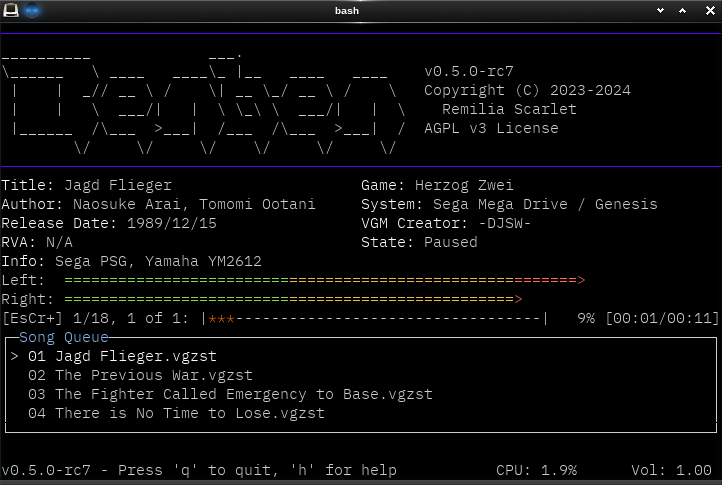
This is the default built-in theme for Benben. This will show if no theme is
selected, the default theme is specified in the config file, or if you use
--theme default on the command line.
The default theme should work on the widest variety of terminals.
Amber
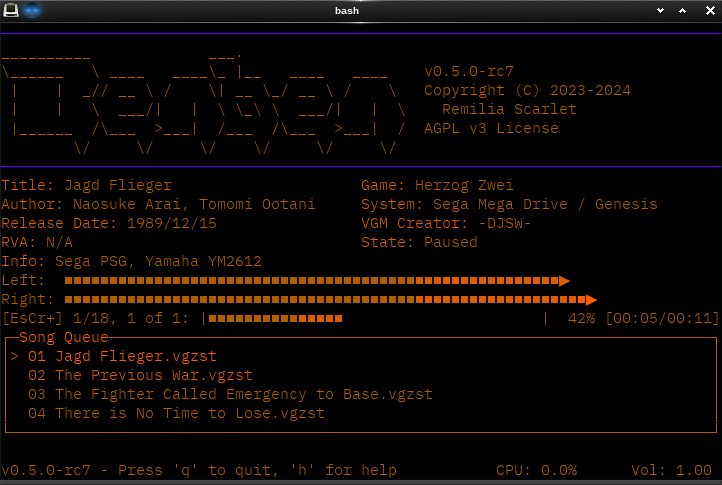
Use --theme amber or use amber in your config file.
Blue Phosphor
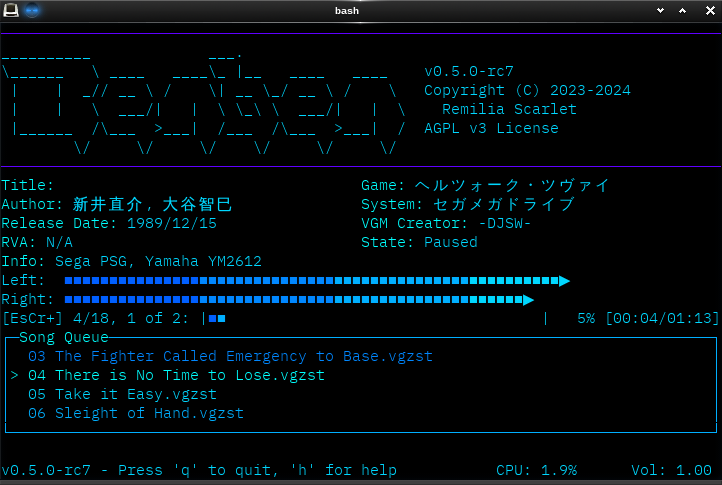
Use --theme blue-phosphor or use blue-phosphor in your config file.
Dark Neon
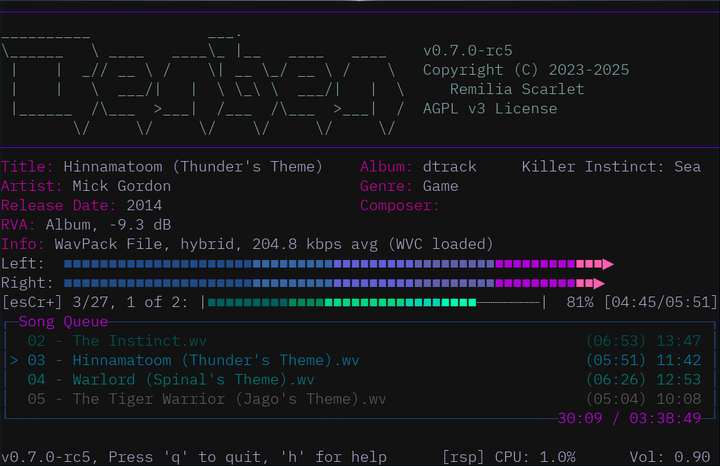
Use --theme dark-neon or use smooth-neon in your config file.
Frost
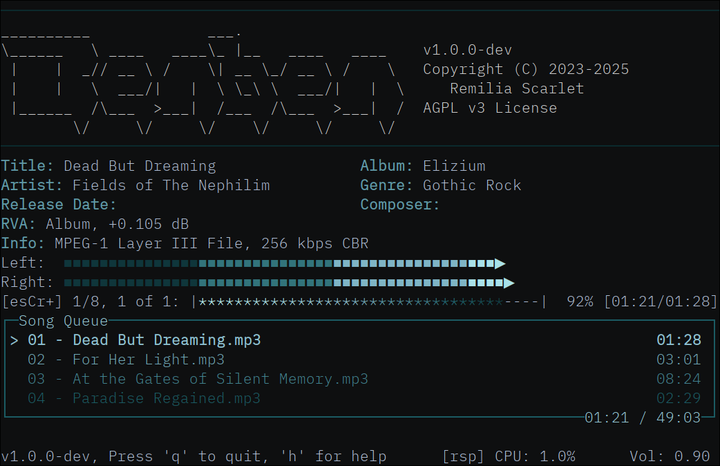
Use --theme frost or use frost in your config file.
Phosphor
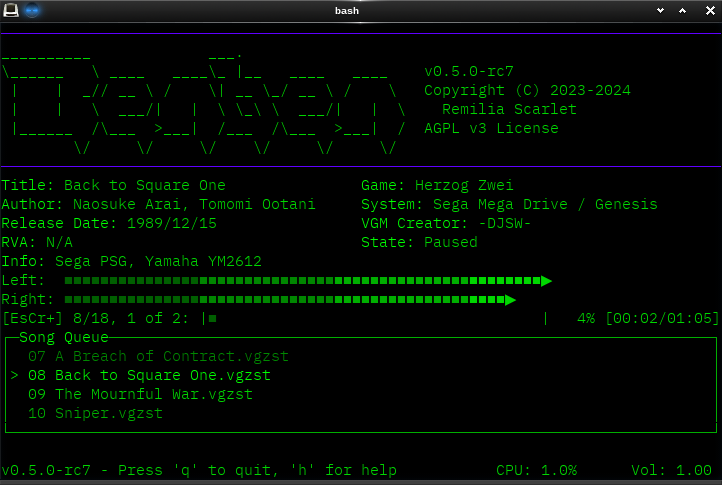
Use --theme phosphor or use phosphor in your config file.
Plum
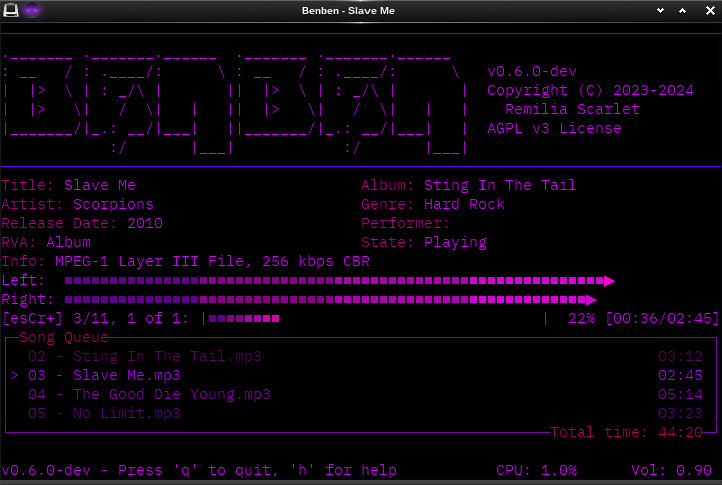
Use --theme plum or use plum in your config file.
Remilia
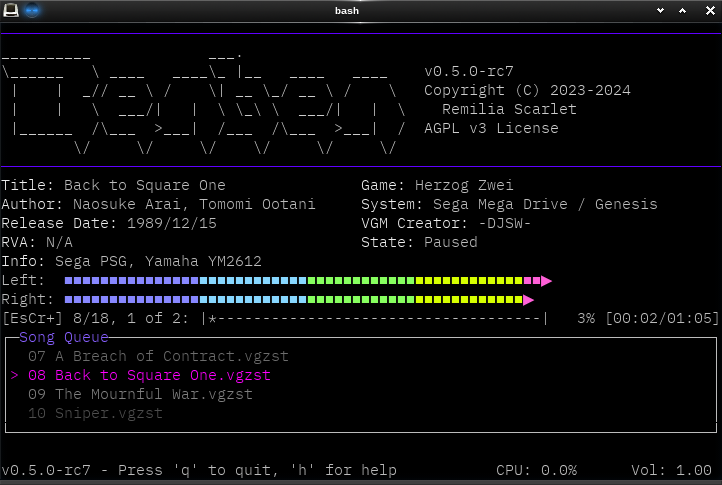
Use --theme remilia or use remilia in your config file.
Semi-Retro
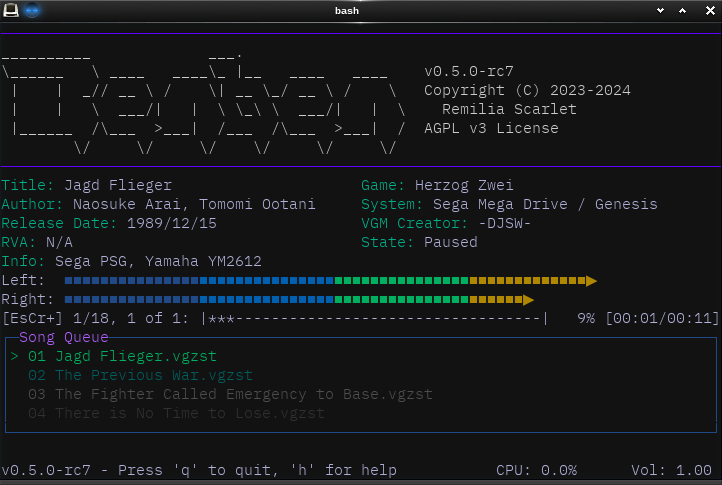
Use --theme semi-retro or use semi-retro in your config file.
Smooth Neon
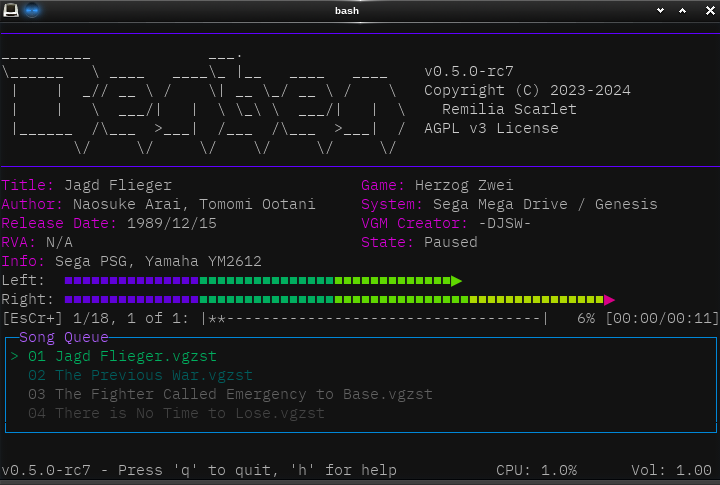
Use --theme smooth-neon or use smooth-neon in your config file.
Sunlust
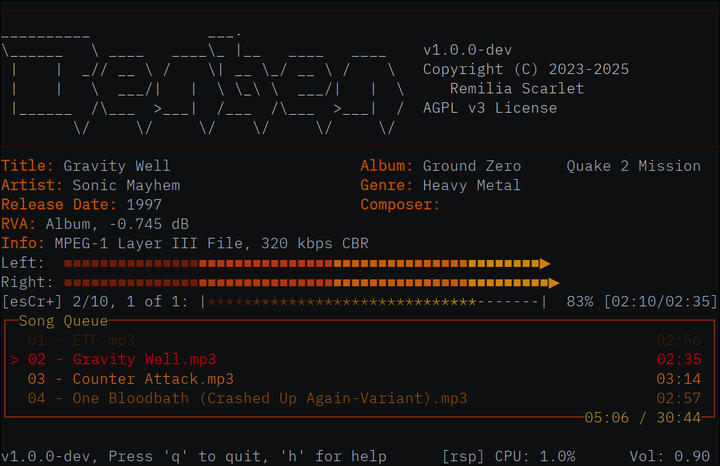
Use --theme sunlust or use sunlust in your config file.
Terminator
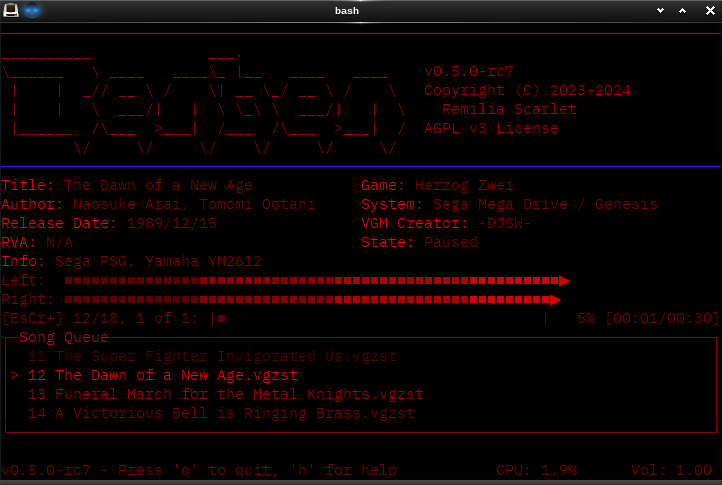
Use --theme terminator or use terminator in your config file.
Witchhazel-Hyper
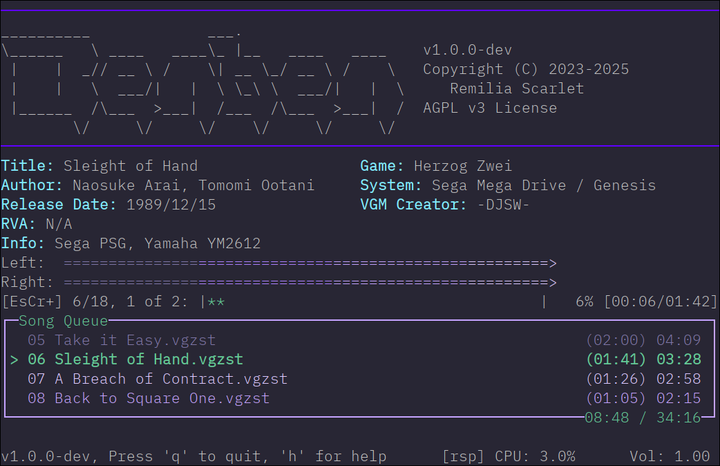
Use --theme witchhazel-hyper or use witchhazel-hyper in your config file.
Hotdog Stand
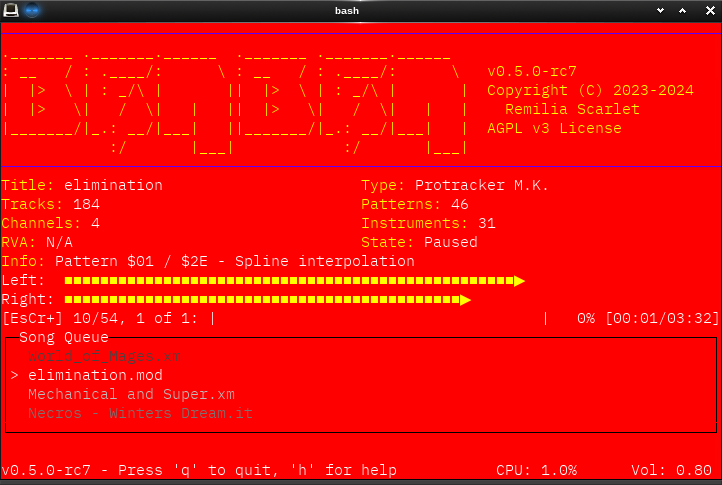
Use --theme hotdog-stand or use hotdog-stand in your config file. Sorry
about your eyes.